YOUR NEXT GAME IS ONE TAB AWAY
Radiant Optimizer Games
Find the browser game projects shared by Radiant Optimizer on Twitter/X.
Play supported demos here, or open the original projects with clear setup notes.
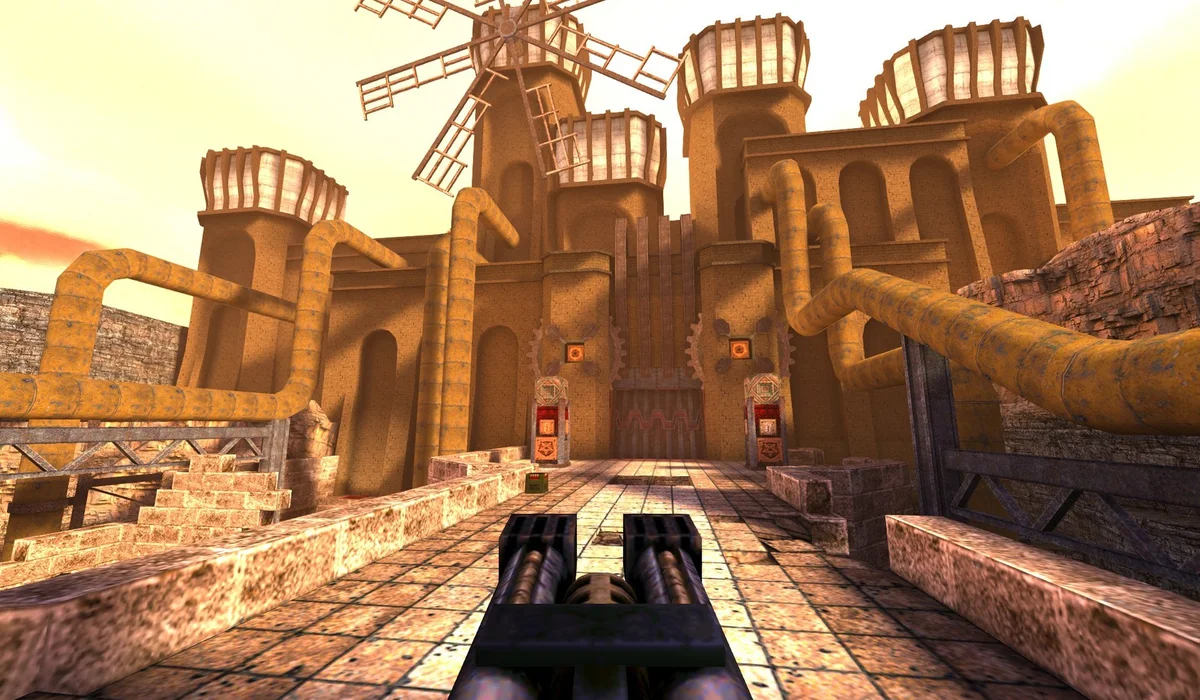
PLAY HERE · MULTIPLAYERQuake. One tab.
Quake. One tab.
Back in the arena.
QuakeWorld multiplayer, in a browser window.
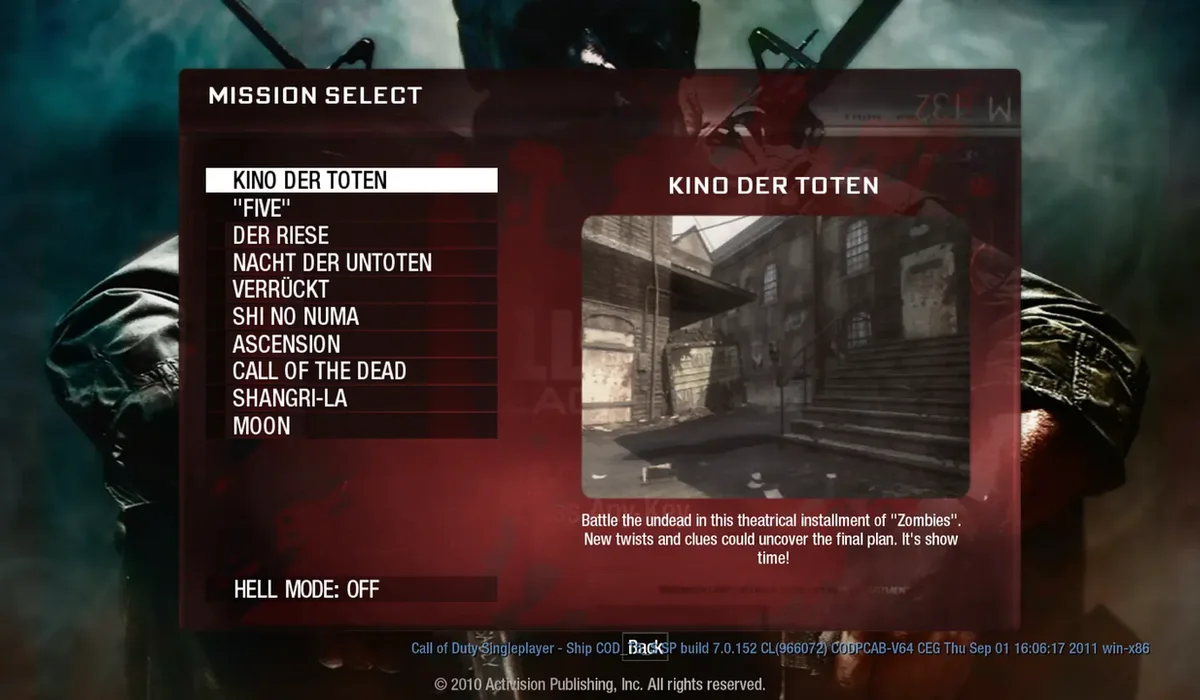
Black Ops Zombies
Select a map on the BO1 project. Open in a separate tab for its browser requirements.
Open projectOpen project Black Ops Zombies

CS Surf
Choose a surf course on Surfd. A separate tab is recommended for mouse capture.
Open projectOpen project CS Surf
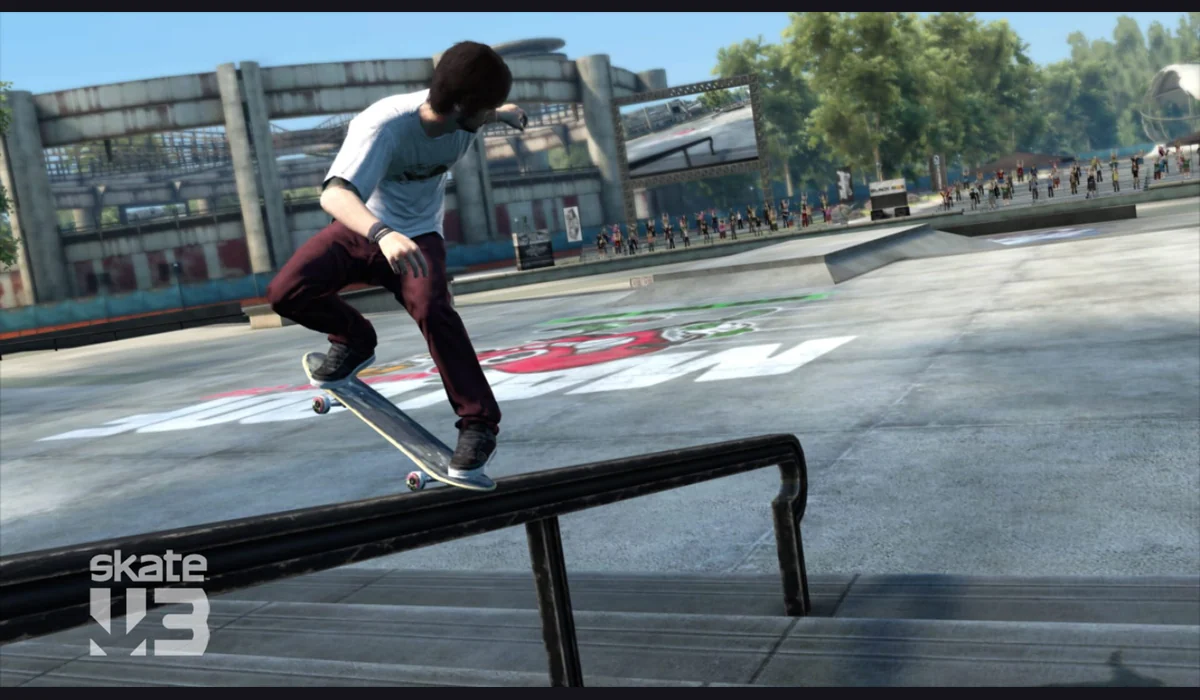
Skate 3 project
Prepare converted data from your own copy using the project’s instructions.
Game files neededGame files needed Skate 3 project
Halo CE Mobile
Import your own compatible Xbox ISO/XISO; the project documents touch controls.
Game files neededGame files needed Halo CE Mobile
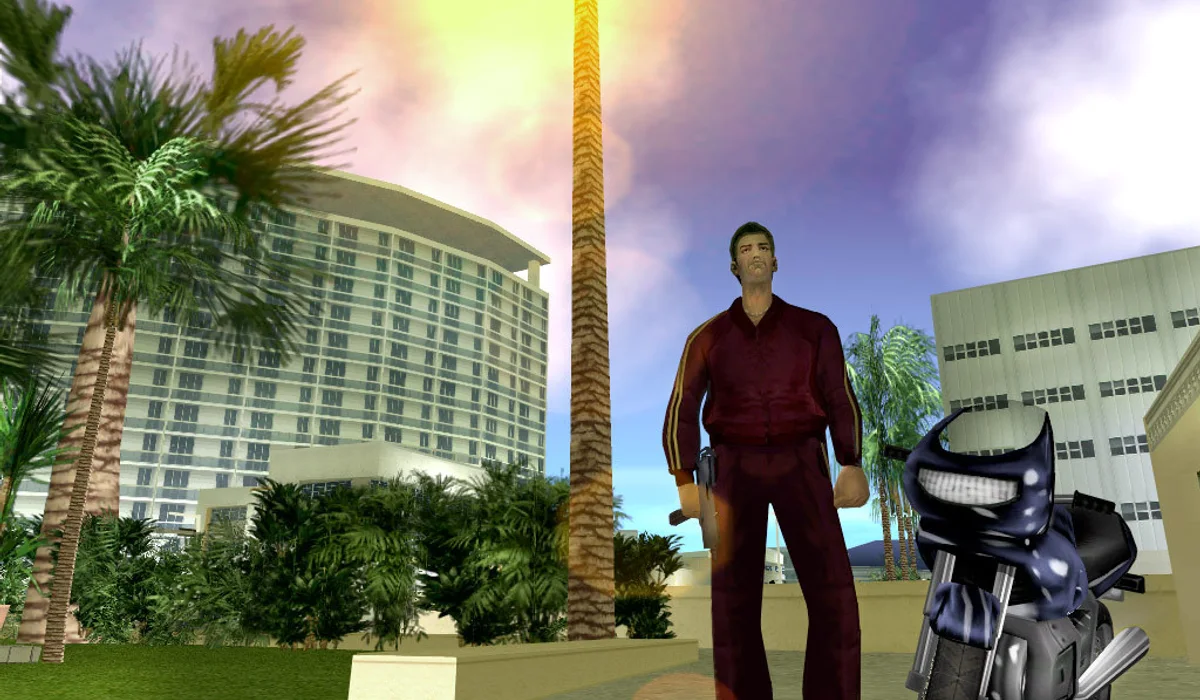
GTA: Vice City
Prepare and import game.tar.gz from your own compatible copy.
Game files neededGame files needed GTA: Vice City
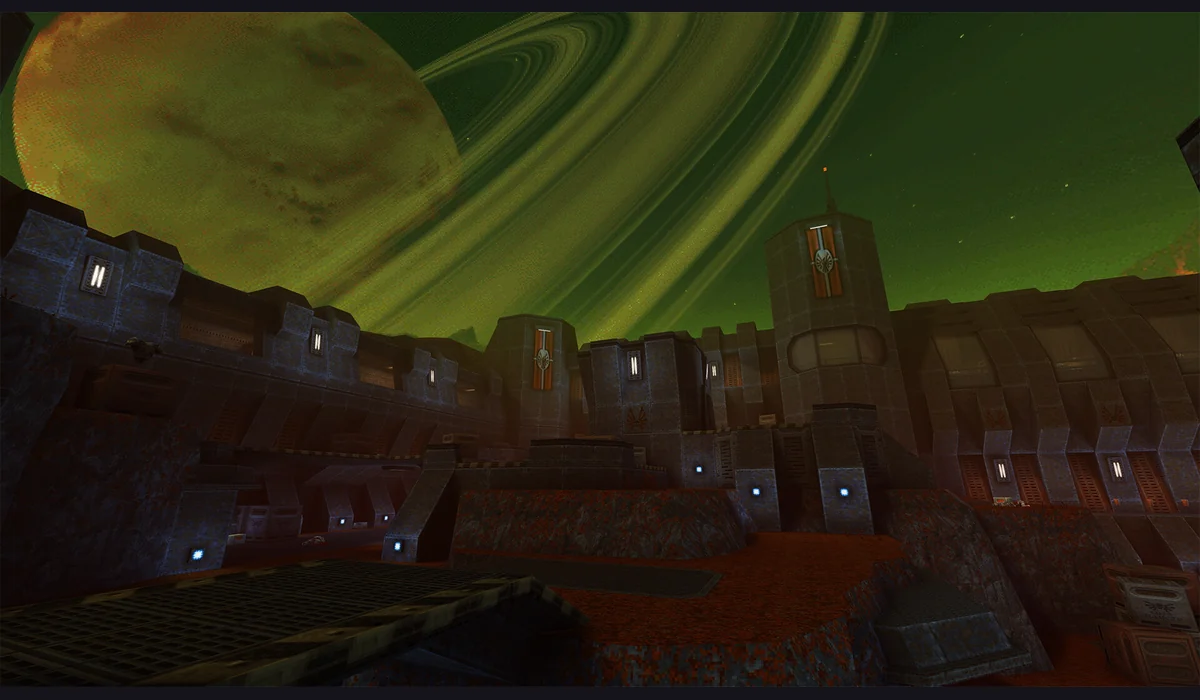
Quake II
Visit the original multiplayer project and follow its current session prompts.
Open projectOpen project Quake II
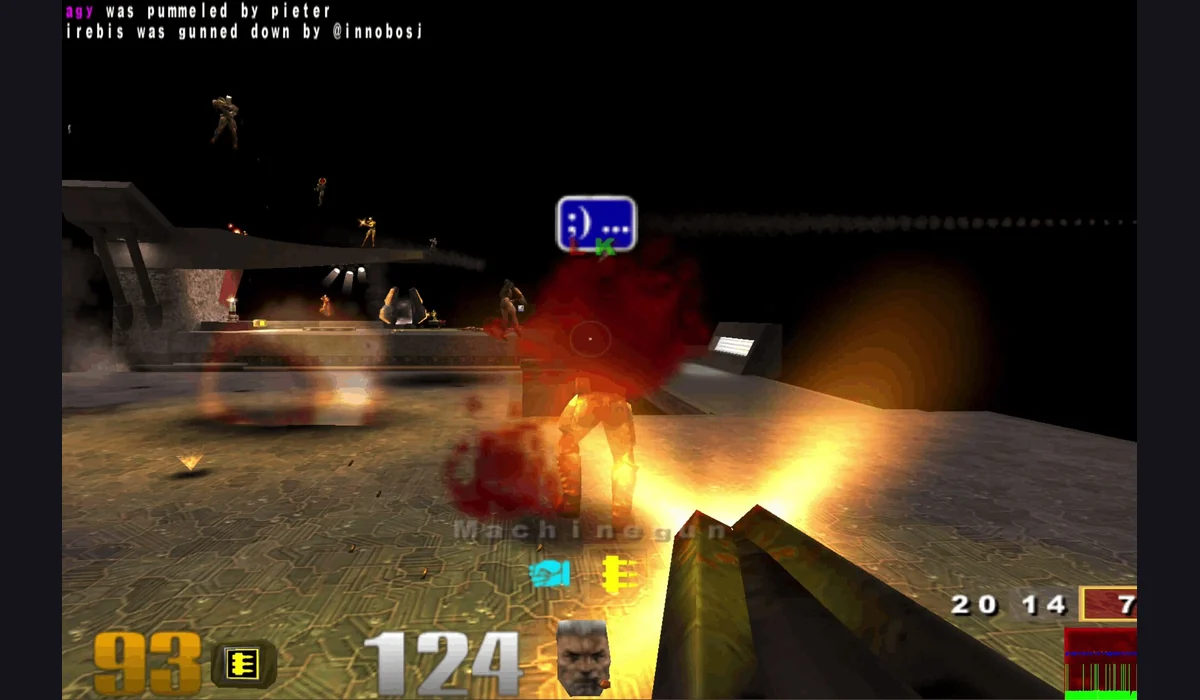
Quake III Arena
Open the browser project to check current sessions and launch requirements.
Open projectOpen project Quake III Arena
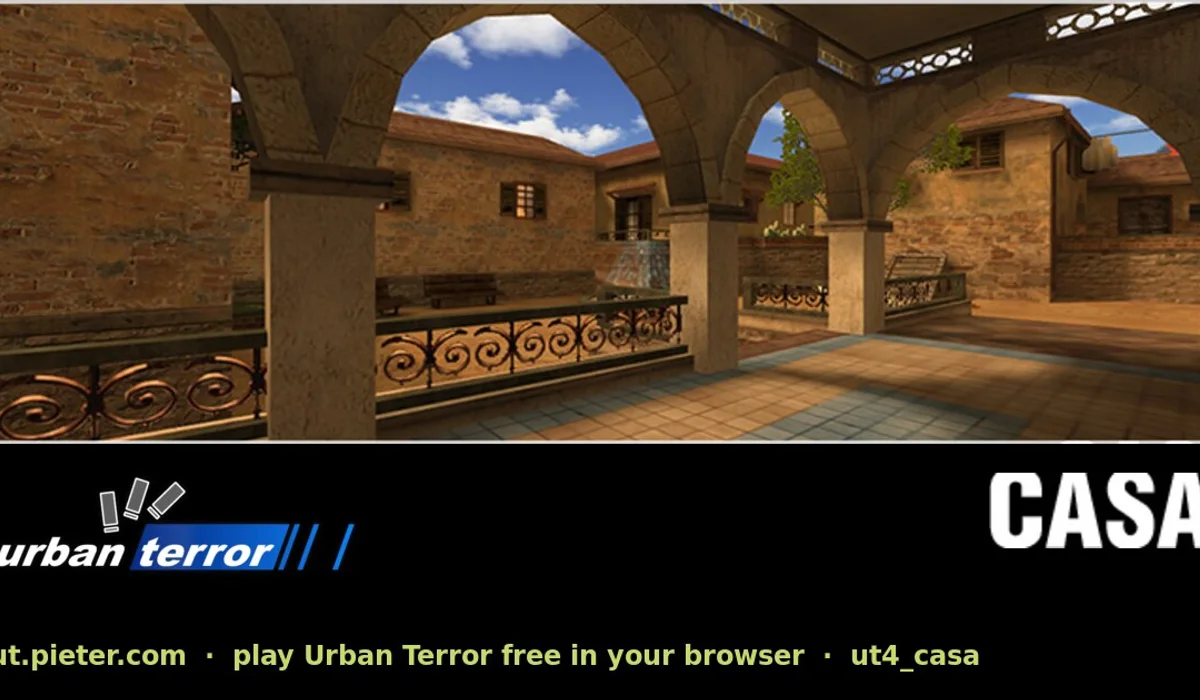
Urban Terror
The original list’s “UT” destination is Urban Terror, not Unreal Tournament.
Open projectOpen project Urban Terror
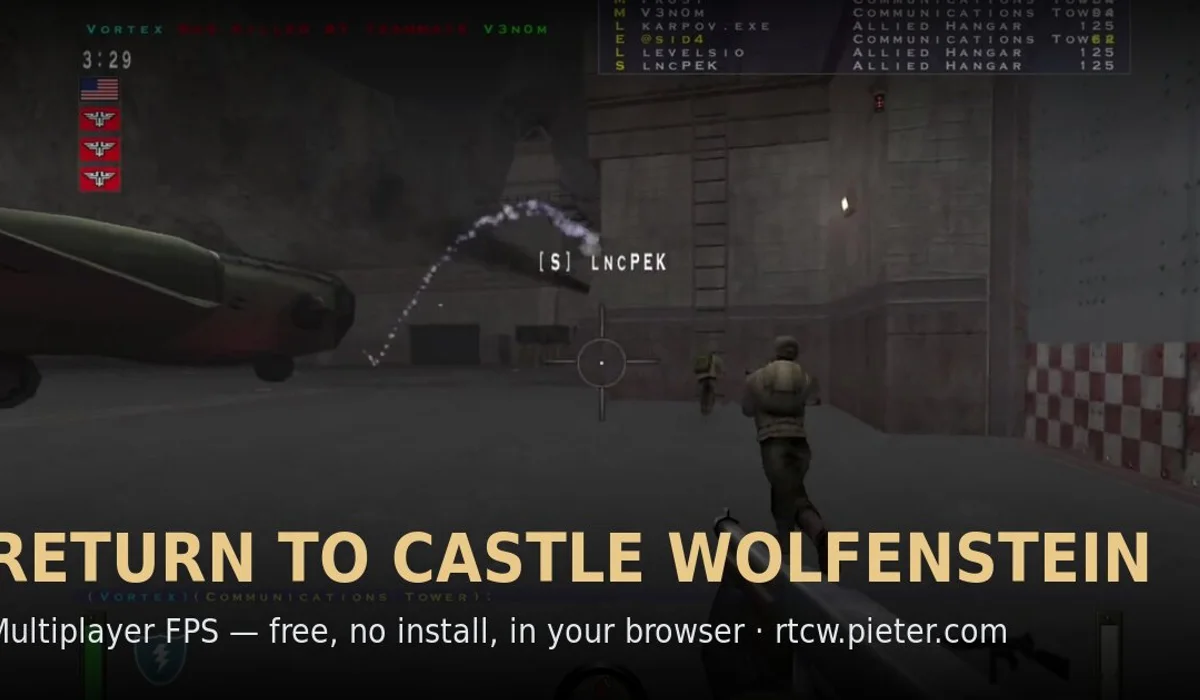
Return to Castle Wolfenstein
A separate browser project. Check its available multiplayer mode.
Open projectOpen project Return to Castle Wolfenstein
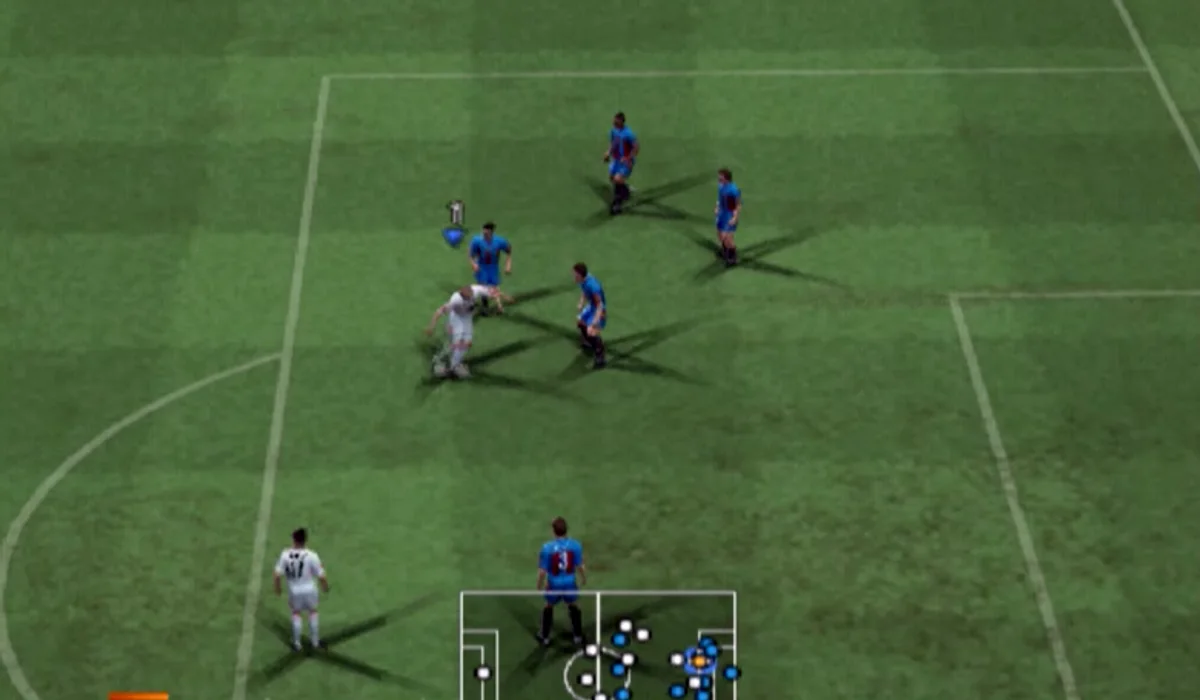
PES 6 project
Read the project’s current loading and input instructions before a match.
Check setupCheck setup PES 6 project
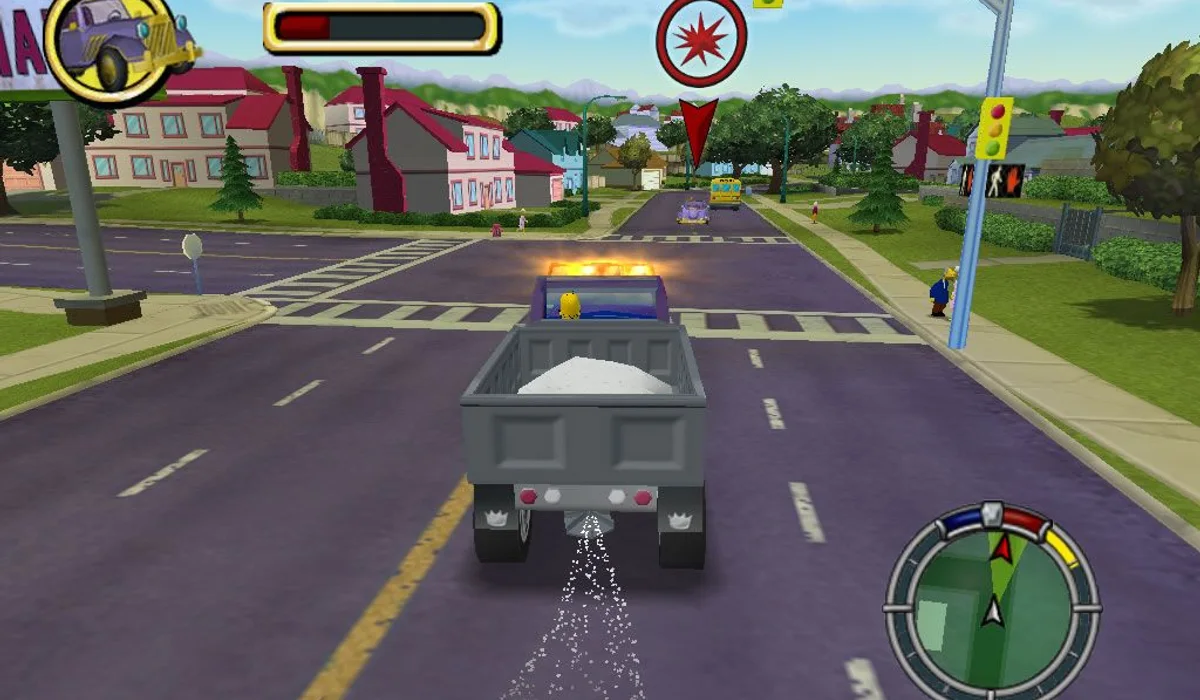
The Simpsons: Hit & Run
Follow the maintainer’s loading instructions; game-data requirements need checking.
Check setupCheck setup The Simpsons: Hit & Run
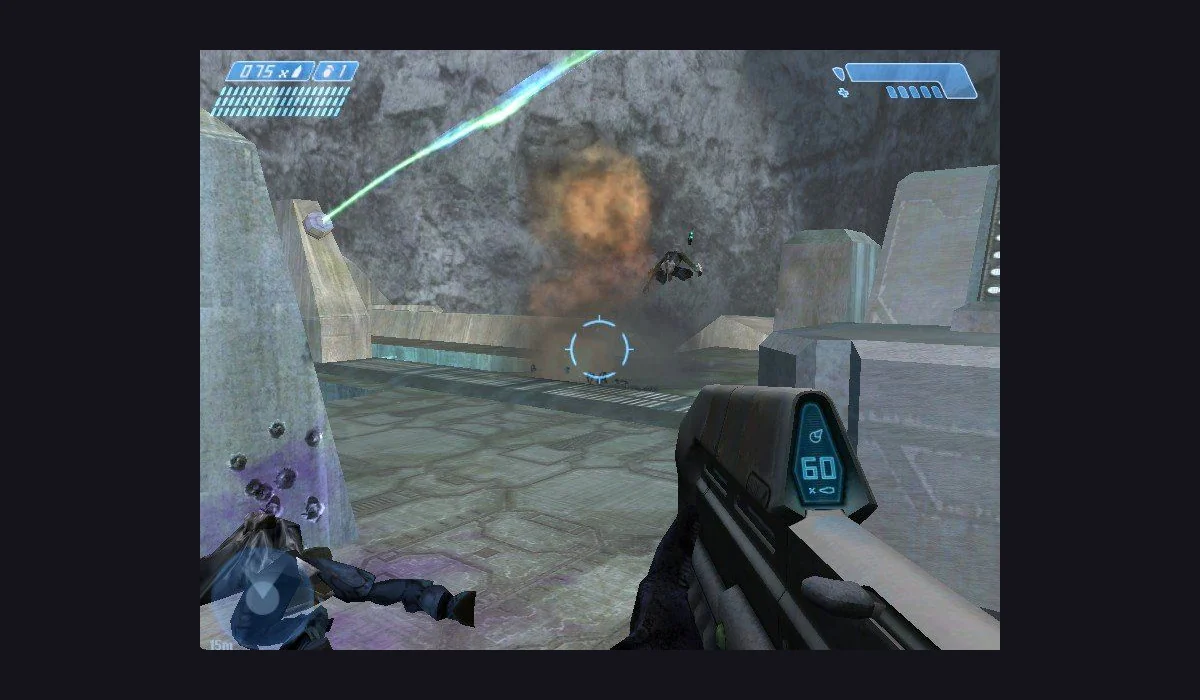
Halo CE Desktop
Original desktop project; check compatible game data before launching.
Check setupCheck setup Halo CE Desktop
MW2-labeled project
The original post label is preserved; current content is not verified as full MW2.
Check setupCheck setup MW2-labeled project
No matching games. Try another title or choose All projects.
Play here opens an embedded game. ↗ opens the project in a new tab. File requirements stay visible before you click.
BEFORE YOUR NEXT SESSION
Radiant Optimizer Games: the original post and how to play
Radiant Optimizer Games is the name many visitors use to find the browser game projects shared by Radiant Optimizer on Twitter, now X. RadiantGames brings the useful routes together: supported games you can open here, direct project links, and clear notes about demos and game files.
What did Radiant Optimizer share on Twitter/X?
On October 8, 2026, Radiant Optimizer posted a collection of familiar games running in browser tabs, including Black Ops Zombies, Skate 3, Halo, Quake, Half-Life and Diablo. The post highlighted the appeal of starting a game in a browser, including on school computers.
The author’s follow-up reply supplied the full link list and described the projects as fan ports, with some requiring files from a game copy you own. These are separate third-party projects with different launchers and requirements. Our complete 25-entry original list preserves those destinations and identifies available demos, file imports and unavailable links.
How to play games in your browser
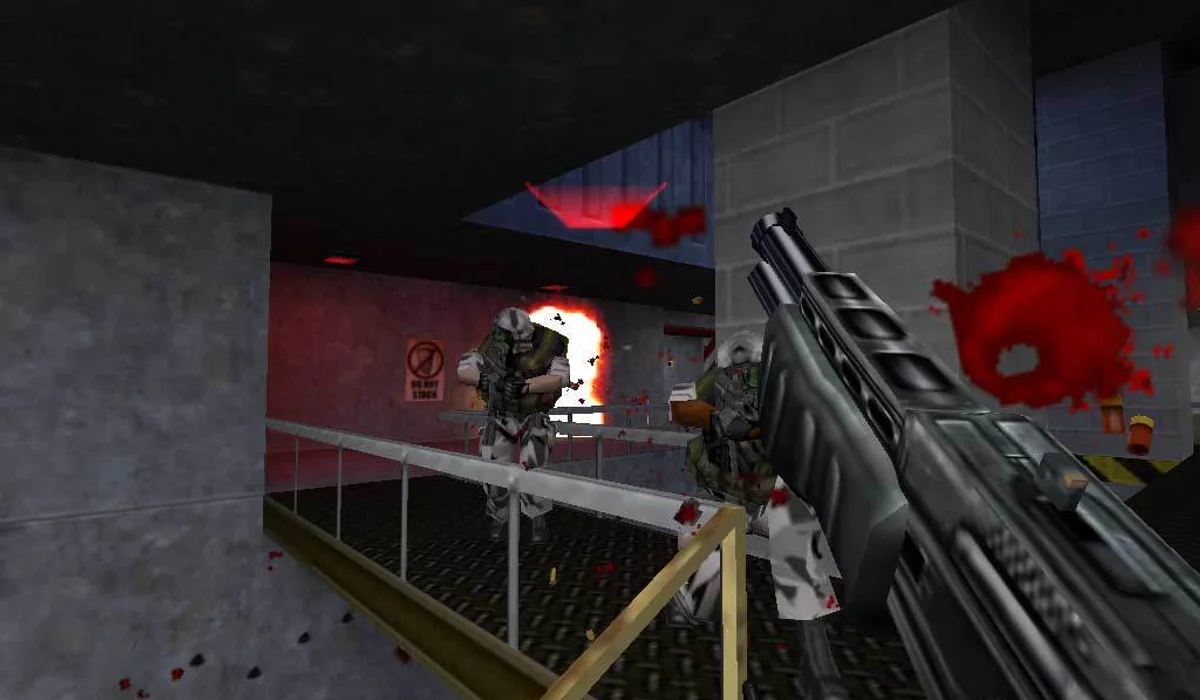
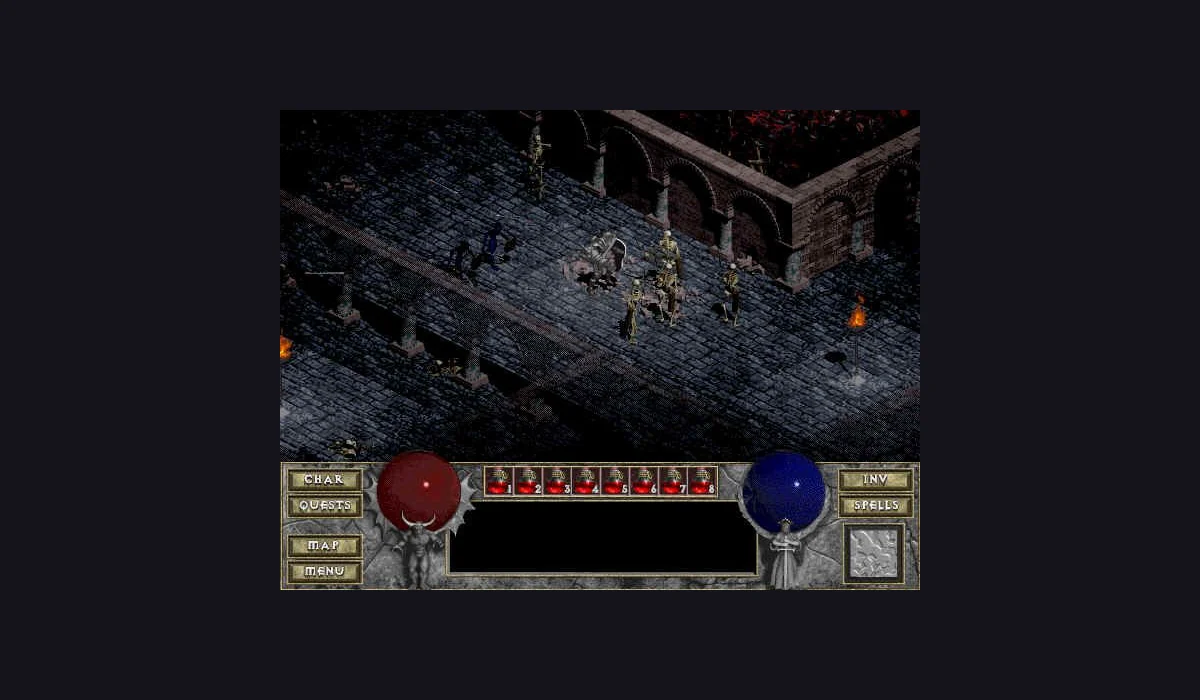
Choose a Play here card to open a game page with an embedded launcher. Press Play on that page, then follow the project’s own menu. QuakeWorld asks for a player name. Half-Life uses the Uplink demo selector. Diablo offers a shareware button before its character menu. The first load still downloads assets into the browser, so give it time before refreshing.
Choose Open project when a game is better launched on its original website. These cards take you directly there. A separate tab gives file-import projects and mouse-heavy games room for their own launch flow. “Bring game files” means an owned copy is part of that flow; it does not mean the website includes the complete game.
Looking for the Radiant Optimizer browser games list?
The viral post mixes multiple versions and projects. Our Radiant Optimizer games list keeps the original 25 links together, including map entries and links that no longer lead to the right destination. It is the shortest route if you came from Twitter or X and want to identify the game you saw in the post.
Start with Quake in your browser for an online arena, Half-Life: Uplink for a demo chapter, or Diablo shareware for a point-and-click RPG session. Each play page explains the version and the launcher before you commit to a long load.
Pick a project that fits your device
Classic shooters are usually more comfortable with a keyboard and mouse. A page fitting a phone screen does not make its game touch-friendly. Halo CE Mobile is a separate project with documented touch controls and an owned ISO/XISO requirement. For other projects, check their device instructions on the original site.
If a game appears to ignore a key, click its window first. If a shooter cannot capture the mouse inside the frame, use the original-project link. Closing a heavy game before starting another can also make a small laptop more responsive.
Browser games: quick answers
Are these games part of the Radiant Optimizer app?
The post shares third-party browser projects. This directory links to those projects independently; it does not require a Radiant Optimizer purchase or account.
Does “browser game” mean no download at all?
There is no desktop game installer in our embedded launch flow, but the browser still transfers game assets. Some original projects also ask for data from a copy you own.
Where can I find browser games from Twitter or Reddit?
Start with the original Radiant Optimizer list. We use the project links from that post; this is not a general index of every game shared on social media.
Why are there only three Play here games?
These three projects reached game scenes in our local iframe checks. Other projects have different file, mouse-input, or loading needs and open on their own sites.